★★★★★
“Copy Elements feels practical in the way Revit tools should be — I can copy elements from one 3D view to another almost like copying files, without setting up half the project first.”
Verified Archi user
Trust & Reviews
Review highlights from Autodesk Marketplace and verified Archi users who have tried or licensed Copy Elements.
0 Autodesk Marketplace reviews · Verified Archi user feedback · Used worldwide
Submit a review“Copy Elements feels practical in the way Revit tools should be — I can copy elements from one 3D view to another almost like copying files, without setting up half the project first.”
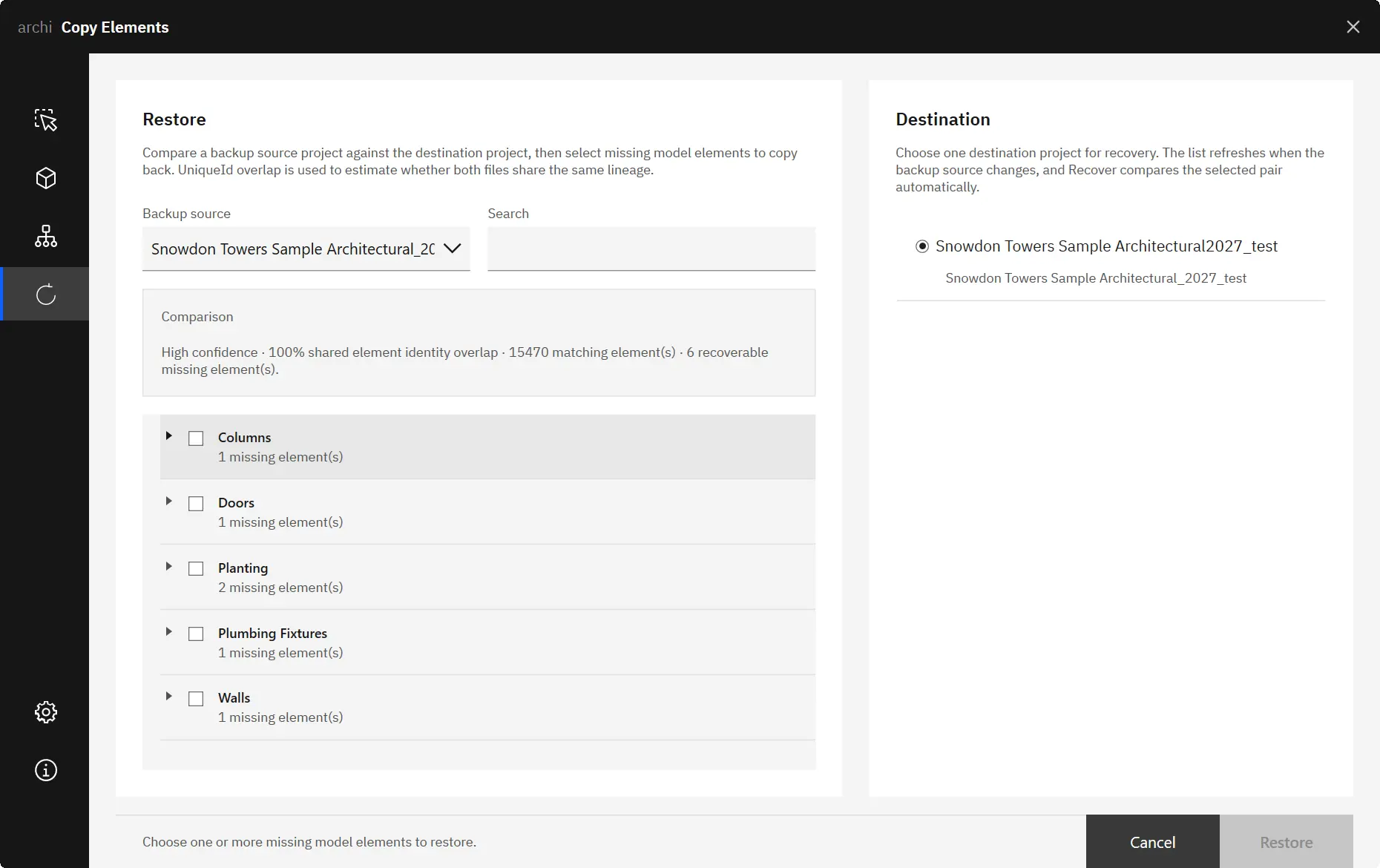
“The Recover function is proper useful — it makes it dead easy to spot what's missing in the model and bring it back without digging around for ages, so good work on this one.”
Benefits
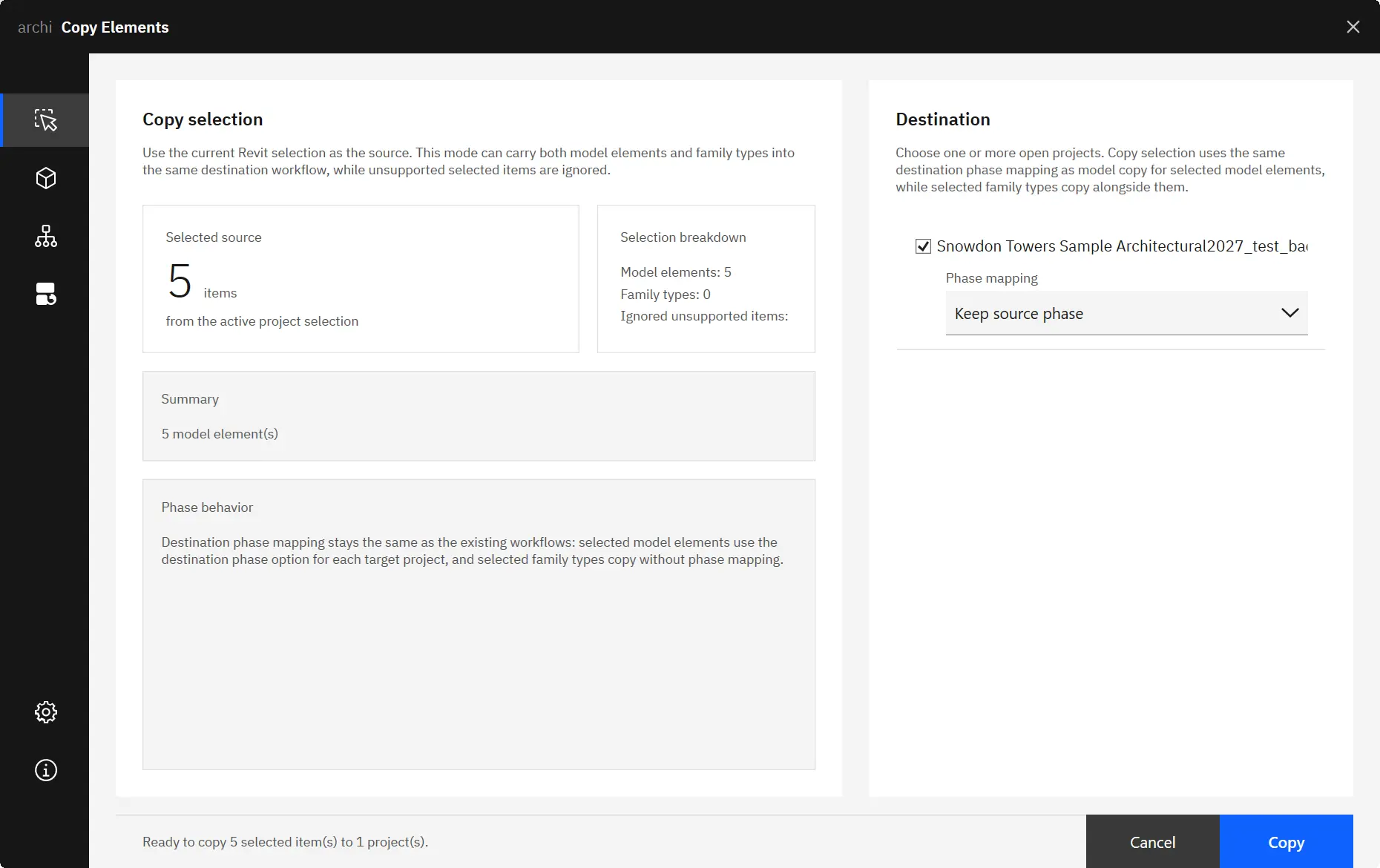
Select elements from any Revit view — including 3D — and copy them to one or more open projects without preparing matching plan or ceiling views first.
Place copied model elements into the correct destination phase automatically. Keep matching source phase names or map to any existing phase in the destination project.
Compare a backup project to a destination and identify exactly which model elements are missing. Select and restore them in one step without manual inspection.
Features
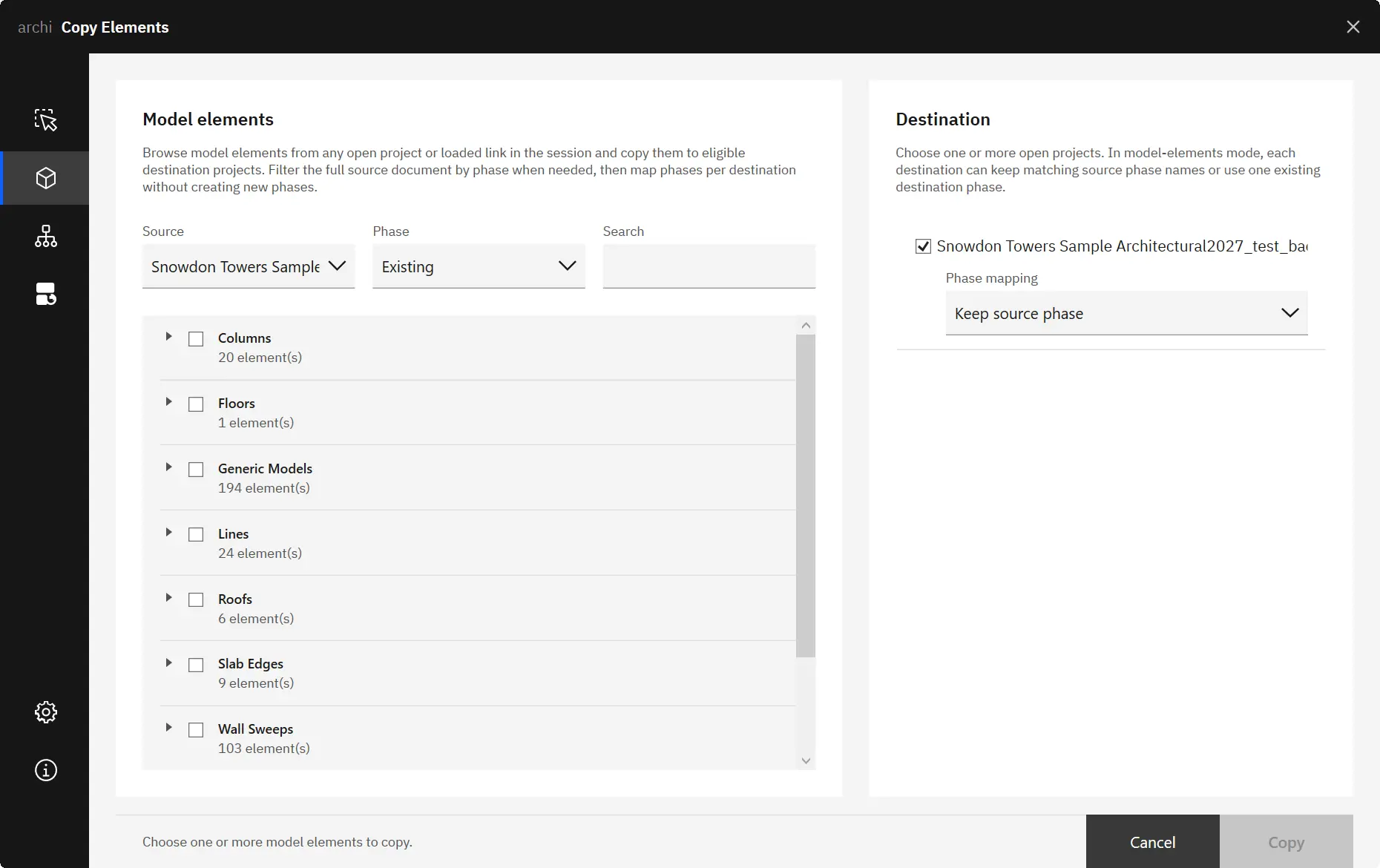
Navigate model elements and family types from any open project or loaded Revit link in a grouped, searchable tree — no manual view preparation needed.
Copy to one or more open projects in a single operation. Set independent destination phase options per project within the same copy run.
Detect missing model elements by comparing a backup source and destination. Primary match by UniqueId with a location-based fallback, confidence graded High, Medium, or Low.
Also included
Choose whether to keep existing destination types or abort on a type name conflict — configurable per session in Settings.
Suppress Revit warning dialogs during copy operations for a cleaner, faster workflow without repeated dismissal prompts.
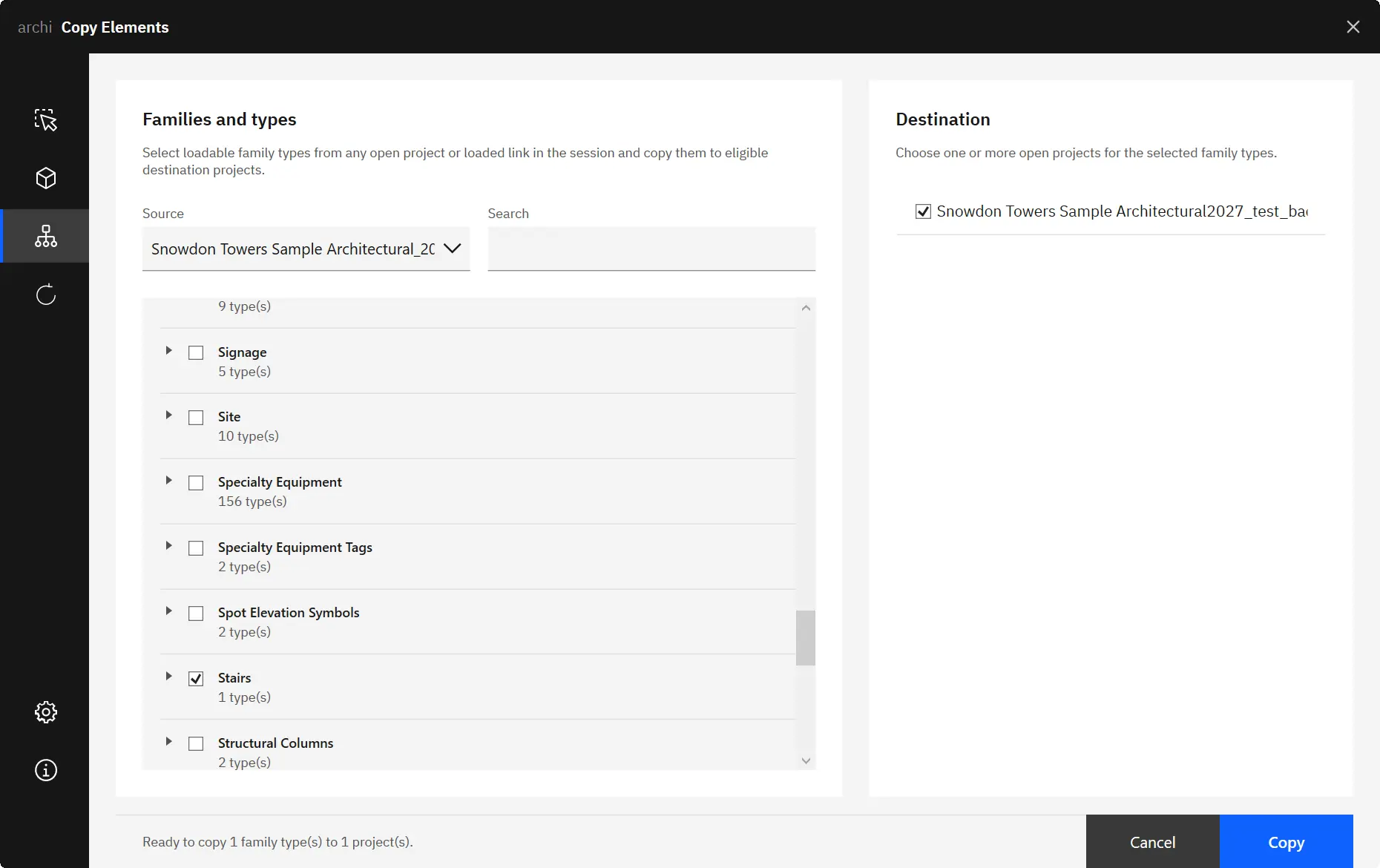
Use loaded Revit link documents as source projects. Copy model elements and family types from referenced models into any open destination project.
Screenshots

Select elements from any Revit view — including 3D — and copy them to one or more open destination projects.

Browse and filter model elements from any open project or loaded Revit link in a grouped, searchable tree.

Copy loadable family types from any accessible source document to one or more open destination projects.
Related Articles


For September 2026, the top tested laptop for Revit remains the Intel(R) Core(TM) Ultra 9 275HX with the NVIDIA GeForce RTX 5080 Laptop GPU. It also led in August 2026, while the separate CPU leader changed to the Intel(R) Core(TM) Ultra 9 285HX. To compare more tested systems, run the benchmark tool and view the full laptop CPU rankings and laptop GPU rankings.

For September 2026, the recommended desktop pairing combines the current CPU leader, AMD Ryzen 9 9950X 16-Core Processor, with the current GPU leader, NVIDIA GeForce RTX 5070, based on separate rankings. The top tested system remains Intel(R) Core(TM) i9-14900KF + NVIDIA GeForce RTX 5070. View the full desktop CPU rankings and desktop GPU rankings, or run the benchmark tool on your own machine.
Learn & Support
Get the most out of your Copy Elements subscription. Find answers, get step-by-step instructions, and develop your skills.
The Copy Elements Forum is the place to ask questions, find answers, learn from experts, and share your knowledge.
Deploy Archi installers across multiple machines with the Silent Installer Guide.
Worldwide usage
Currently used in 7 countries.
Archi Collection gives you Copy Elements plus the rest of archi's Revit workflow toolkit, expanding workflow coverage while offering better value than licensing plugins one by one.
Buy
Copy Elements